Easy AI Assist

Introduction
Visitors ask the same questions again and again, and a generic chatbot can make up answers.
Easy AI Assist answers from your own content and staff-approved replies, and staff review anything it can't answer.
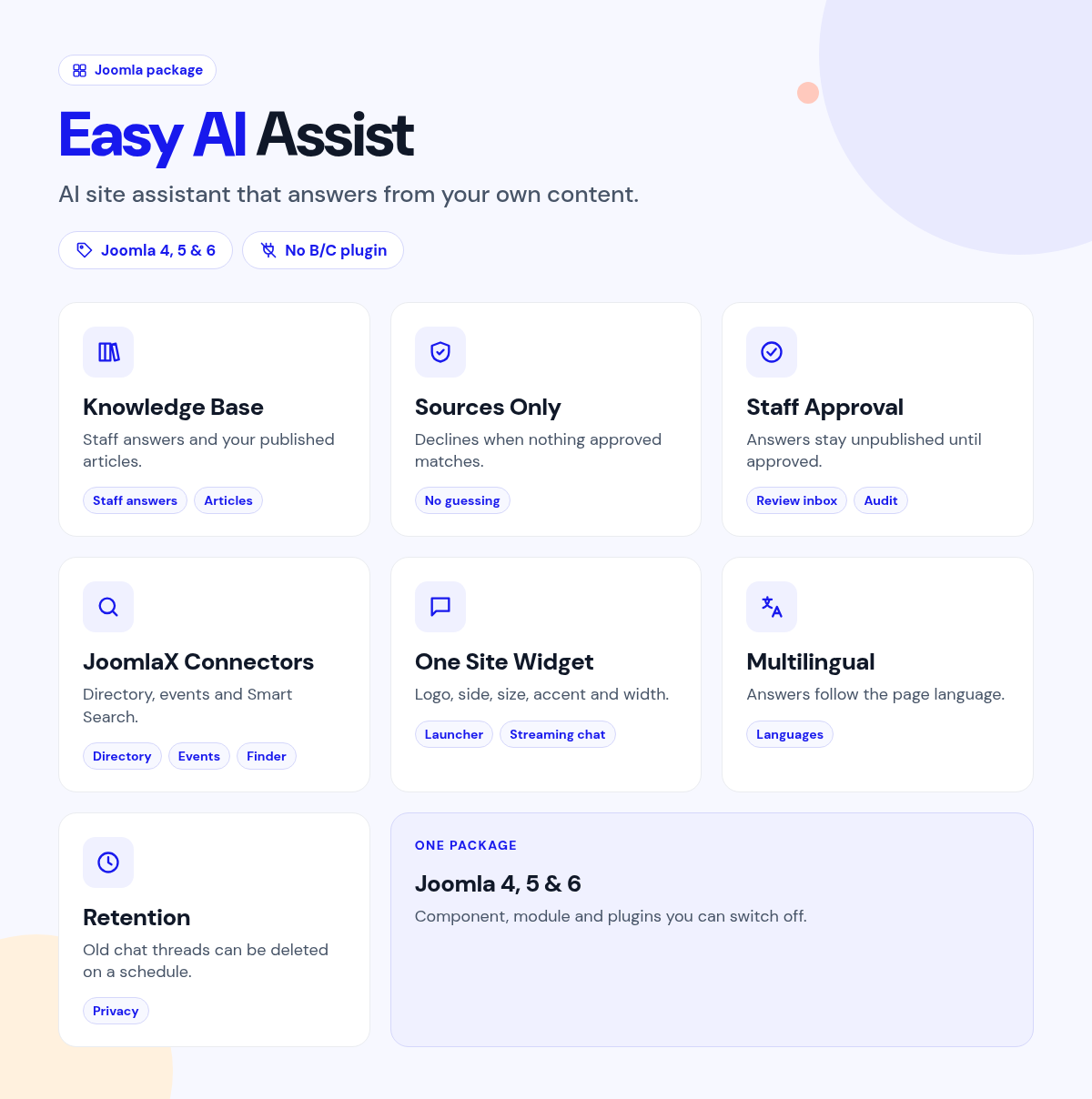
Add your known answers to the Knowledge Base, publish the chat module, and turn on the connectors you need.
What it does for your site
- Answers from your site: staff replies for known questions, and other answers tied to your published articles.
- No guessing: it can refuse when nothing approved matches.
- Staff stay in control: unanswered or thumbs-down questions go to a review inbox, and knowledge answers stay unpublished until approved.
- A record of approvals: each approval is logged with the user and time.
- Searches more of your site: optional connectors for Directory, Events, FAQs, Glossary, Helpdesk, Store Locator (and Pro), Team, Events Booking, NS Pro, Users, VirtueMart, Smart Search and Searchly.
- Your choice of AI provider: built-in presets for OpenAI, Anthropic Claude, Google Gemini, Groq, OpenRouter, Mistral, DeepSeek, xAI Grok, Qwen, Moonshot Kimi, Together AI, Fireworks, Perplexity, Cerebras, SambaNova, NVIDIA, GitHub Models and Azure OpenAI, local Ollama or LM Studio with no key, or any OpenAI-compatible endpoint.
- Fits your site: launcher logo, side, size and accent color, and answers follow the page language.
Why you can rely on it
- Ask it questions on the live demo, and read the full docs.
- Native Joomla component, module and plugins.
- Built for Joomla 4, 5 and 6.
- Actively maintained, with support and updates from the JoomlaX developers while your plan is active.
Live demo · Documentation · Product page
All plans include updates and support for the plan period.
Requirements: Joomla 4, 5 or 6, PHP 8.1+.
Changelog: Easy AI Assist changelog
FAQ
- Will it make up answers? You can set it to answer only from approved sources and refuse otherwise.
- Can staff check answers before they go live? Yes. Knowledge answers stay unpublished until someone approves them.
- Which AI providers does it work with, and do I need a key? Paste the API key from your provider account and pick a model. Azure OpenAI also needs your resource name. Local Ollama and LM Studio need no key. Settings are site-wide, with per-assistant overrides.
- Does it work on multilingual sites? Yes. Knowledge and articles follow the page language.
Try the live demo, then pick a plan
Easy AI Assist
- Version:
- 1.0.20
- Developer:
- Infyways Solutions
- Last updated:
-
Oct 26 2026
6 days ago - Date added:
- Sep 29 2026
- License:
- GPLv2 or later
- Type:
- Paid download
- Includes:
- c m p
- Compatibility:
- J4 J5 J6
Share